
Know exactly which alternate won — and what it's actually worth
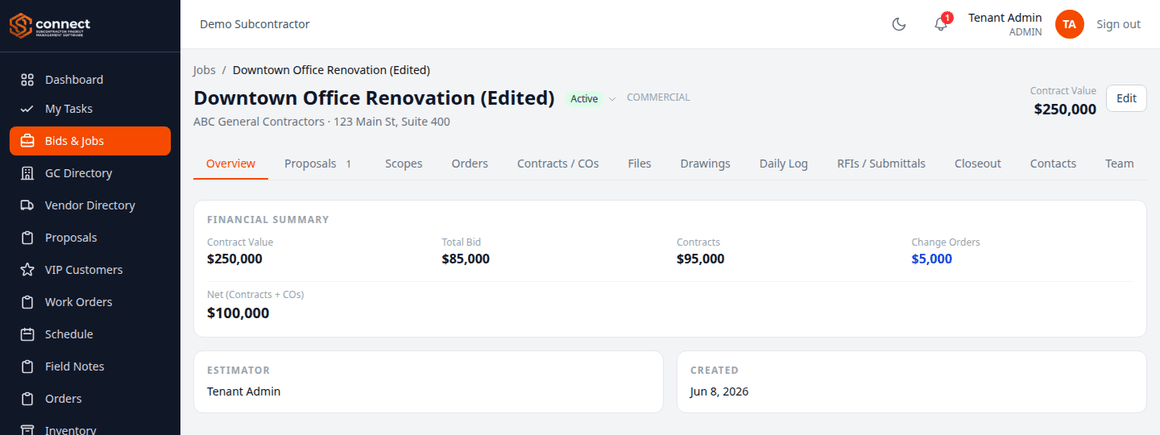
A base bid loses while the upgrade alternate wins on the same proposal — that's normal in flooring, and SC Connect tracks it that way: a decision per scope and per alternate, not just one win/lose stamp on the whole job.
No credit card required. Set up in under two minutes.
Built around how flooring subcontractors actually work
Flooring bids rarely come down to one number. Base price vs. upgrade, color and lot matching, and a closeout that depends on photo proof — none of that fits a single contract-value line.
Base bid vs. upgrade alternate
Mark the base ceiling tile lost and the upgraded alternate won on the same proposal — the contract value adds up from whatever actually won, scope by scope.
Color and lot matching
Order items remember the manufacturer and color you used last time, scoped to the distributor you bought from — no more guessing if the replacement carton matches the dye lot already on site.
Punch list & closeout
Punch list items take photos directly from the site, so closeout doesn't depend on someone remembering what still needs touching up.
What you get on day one
Per-scope, per-alternate decisions
Mark each scope and alternate won or lost independently — contract value is computed from exactly what won, not a single proposal-level guess.
Floor plans linked to scopes
Attach the floor plan to the flooring scope itself, pin RFIs and punch items directly on it, and have it print automatically with the work order.
Invoicing, retainage & lien waivers
Generate invoices with retainage math done for you, track what the GC still owes, and keep lien waivers on file per job.
Crew scheduling across every job
See every install crew on every job site for the week and catch double-bookings before they become a installer showing up to the wrong building.
Every plan includes every feature — see full pricing.
Questions, answered
Can we bid a base flooring price with an upgrade alternate?
Yes. Add as many alternates to a scope as you need, then decide each one — and the base price — won or lost independently. The job's contract value only counts what actually won.
Can we track color and lot per item we order?
Yes. Manufacturer, color, unit, and cost are all remembered per item and scoped to the distributor you ordered from, so picking the same item again autofills everything from last time.
Do punch list items support photos?
Yes — attach jobsite photos directly to a punch list item from the site, no separate app needed.
Can we attach a floor plan to a specific scope?
Yes. Drawing sheets can be linked to a trade scope, and that sheet prints automatically with the work order for that scope.
Stop losing track of which alternate actually won
Set up your company in under two minutes. Invite your crew when you're ready.
Start your free trial